
LeanFPS
Game optimizer for Windows 10 and 11 that detects games, applies tweaks by genre, measures FPS, and undoes every change
- Upvotes
- 0
- DR
- 3 no change since last check
- Followers
- 0
- Since
- 2026
LeanFPS metrics
| Metric | Value |
|---|---|
| Domain Rating | 3 no change since last check |
| Trust Flow | 2 no change since last check |
| Citation Flow | 28 no change since last check |
| Referring domains | 14 no change since last check |
| External backlinks | 697 no change since last check |
Ahrefs Domain Rating scanned 25 Oct 2026, updated 25 Oct 2026. Main topic: Computers/Programming/Languages (1). Majestic scanned 25 Oct 2026, updated 25 Oct 2026. Link stats via Majestic. Trust Flow, Citation Flow and Topical Trust Flow are trademarks of Majestic-12 Ltd.
LeanFPS domain facts
| Domain age | 16 days |
|---|---|
| Registered | |
| Expires | |
| Registrar | Cloudflare, Inc. |
| DNSSEC | Not signed |
A lightweight Windows game optimizer that automatically detects which game you're playing, applies genre-specific optimizations, measures performance metrics
About LeanFPS
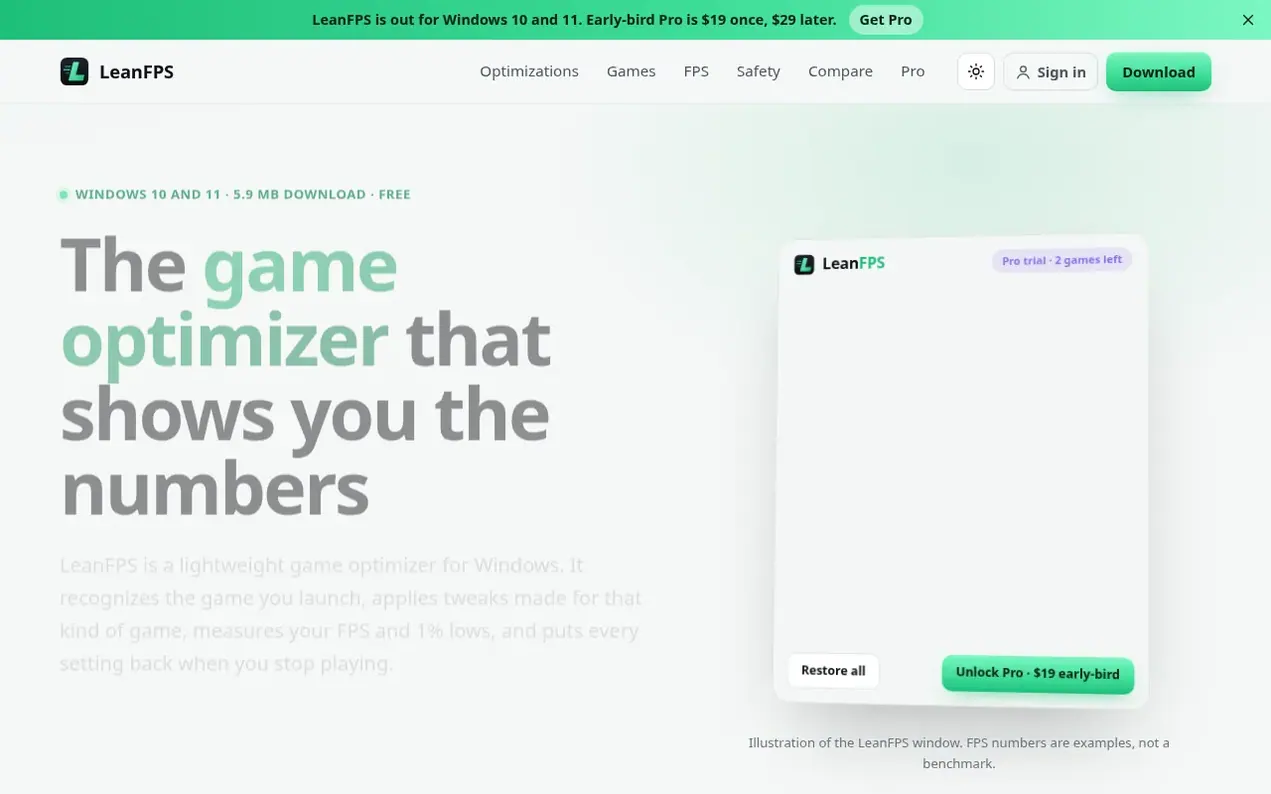
LeanFPS is a game optimizer for Windows 10 and 11 that automatically detects the game you launch and applies performance tweaks tailored to its genre. The app measures your frame rate and 1% lows each session, allowing you to see if optimizations actually help on your specific PC.
The free version includes game detection, FPS measurement, and core system tweaks. LeanFPS Pro adds game-time tweaks and per-genre profiles, with the first three games receiving full Pro features for trial. Pro is a one-time payment of $19 for early adopters (later $29), with no subscription required.
LeanFPS prioritizes safety and reversibility. It never touches security settings like Microsoft Defender, Memory Integrity, the firewall, or Windows Update. Every change is recorded and can be individually undone, or all changes can be reverted at once. The app runs lightweight at about 6.5 MB installed.
- game optimizer
- performance measurement
- windows
- system tweaks
- per-genre profiles
- fps optimization
- gaming performance
Features worth knowing
- Game detection by genre with icon display
- FPS and 1% low measurement per session
- Per-genre optimization profiles for eight genres
- Raw mouse input (mouse acceleration off for shooters)
- High performance power plan optimization
- Background app management and prioritization
- Laptop power mode optimization without permanent plan changes
- Session comparison with historical FPS data
Pricing
Pricing model: Freemium
Free version with core tweaks and FPS measurement; Pro $19 one-time (early-bird price), $29 later. No subscription. First three games get full Pro features included.
Compare and explore
FAQ
- Is LeanFPS safe for VALORANT, CS2 and other anti-cheat games?
- LeanFPS never injects into a game, never reads or writes game memory or files, and shows no overlay. It changes Windows settings and process priority from outside the game. When an anti-cheat blocks priority changes on the running game, LeanFPS uses the Windows launch priority setting instead, which applies the next time the game starts.
- Can I undo everything?
- Yes. Before each change LeanFPS saves the real previous value, not a guessed Windows default. You can turn off any tweak on its own, press Restore all, or run leanfps.exe --restore-all. Changes made only while a game runs are undone when the game exits, and after a crash they are undone the next time LeanFPS starts.
- Is LeanFPS Pro a subscription?
- No. LeanFPS Pro is a single payment: $19 at the early-bird price, $29 later. Updates to the app are included; there is no monthly fee and no renewal.
- How many PCs can I use LeanFPS Pro on?
- Up to three PCs per key. To move Pro to a new PC, click Remove Pro from this PC in the old one, or remove it on the license page with a link we email you.
- Does a game optimizer actually increase FPS?
- Sometimes, and usually by a few percent rather than a lot. The biggest FPS gains still come from in-game settings and upscaling. What a game optimizer can fix is the PC getting in the way: power saving between frames, background apps taking CPU time, Windows moving the game to efficiency cores. LeanFPS measures your average FPS and 1% lows each session so you can see whether it helped on your PC.
Leave a review for LeanFPS
Nobody has reviewed LeanFPS yet. Start things off.
A review is always free and can never be paid for. Go to the reviews and discussion
Reviews and chat · Product news · Send it on · Run this company? Claim it here · Report it
LeanFPS has a free listing. The owner can unlock the full profile with a paid launch for $5:
- Founder story (locked)
- Milestones (locked)
- Demo video (locked)
- Dofollow website link (locked)
Alternatives to LeanFPS
AutoSprite
AI sprite sheet generator that turns a single character image into game-ready spritesheets in seconds
Game dev tools0 votes. Log in to add your vote for AutoSpriteWhere Winds Meet Calculator
Professional DPS and build optimizer for Where Winds Meet
AutoChart.eu
Turn any song into a playable full-band chart for rhythm games
Game dev tools0 votes. Log in to add your vote for AutoChart.euEngineForge
AI platform for game development that works inside Unity and Godot
Game dev tools0 votes. Log in to add your vote for EngineForge