
AutoSprite
AI sprite sheet generator that turns a single character image into game-ready spritesheets in seconds
- Upvotes
- 0
- DR
- 21 no change since last check
- Followers
- 0
AutoSprite metrics
| Metric | Value |
|---|---|
| Domain Rating | 21 no change since last check |
| Trust Flow | 5 no change since last check |
| Citation Flow | 31 no change since last check |
| Referring domains | 115 no change since last check |
| External backlinks | 4,066 no change since last check |
Ahrefs Domain Rating scanned 25 Oct 2026, updated 25 Oct 2026. Main topic: Business (4). Majestic scanned 25 Oct 2026, updated 25 Oct 2026. Link stats via Majestic. Trust Flow, Citation Flow and Topical Trust Flow are trademarks of Majestic-12 Ltd.
AutoSprite domain facts
| Domain age | 1 year |
|---|---|
| Registered | |
| Expires | |
| Registrar | NameCheap, Inc. |
| DNSSEC | Not signed |
AutoSprite generates game-ready spritesheets from a single character image, creating consistent animations like idle, walk, run, and attack for use in any game
About AutoSprite
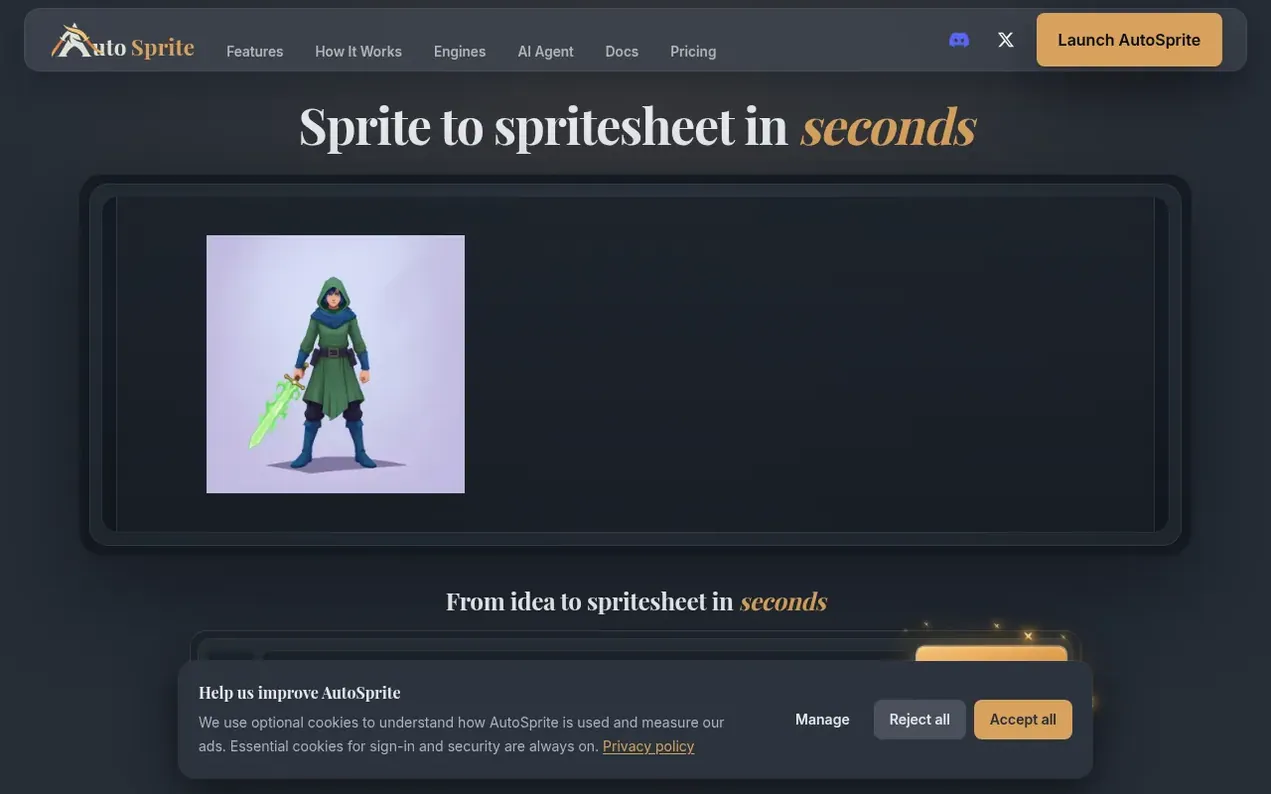
AutoSprite is an AI-powered platform that transforms character images into production-ready spritesheets with consistent animations. Users upload a single character image or create one from a text prompt, select animation types like idle, walk, run, attack, and jump, and export clean spritesheets compatible with Unity, Godot, GameMaker, Phaser, Unreal, and RPG Maker. The tool supports sidescroller and isometric perspectives, allows directional animations in 4 or 8 directions, and includes features for custom animation through keyframes and reference images. Beyond character animation, AutoSprite generates game props, 3D models, portraits, poses, and cinematic cutscenes. Developers can integrate via a web app, REST API, MCP server for AI agents, or a Unity editor extension.
- sprite sheet generator
- ai game art
- game animation
- ai character animation
- 2d game assets
- game engine export
- character consistency
Features worth knowing
- Convert single character images to complete animation sets with idle, walk, run, jump, and attack animations
- Custom animation with storyboard keyframes and reference image guidance
- 8-directional isometric animation generation
- Generate game props, items, weapons, and pickups
- Character outfit and skin variation editing
- Motion transfer library to apply animations to different characters
- REST API for programmatic generation and asset management
- MCP server integration for AI coding agents
- Batch processing and Advanced Mode for multiple animations
- Export to multiple game engines including Unity, Godot, GameMaker, Phaser, and RPG Maker
Pricing
Pricing model: Freemium
Free: Included daily credits with 15 free credits for new accounts plus 3 bonus credits daily. Starter: $12/month with 500 credits per month. Pro: $29/month with 1,500 credits per month. Enterprise: Contact for pricing with unlimited unlocks and custom volume. One-time credit packs also available at
Compare and explore
FAQ
- What files do I get when I export?
- Every export includes a PNG spritesheet plus an atlas file with frame data. You can also grab individual frames from the ZIP. These formats work with Unity, Godot, Phaser, GameMaker, RPG Maker, and most other game engines.
- Can I use generated spritesheets in commercial games?
- Yes. The spritesheets you generate are yours to ship. You can use them in prototypes, early access builds, or full releases.
- How long does it take to generate a spritesheet?
- Each animation takes approximately 30-60 seconds to generate. A full character with 5 animations typically completes in 3-5 minutes.
- Can I use reference images and keyframes for custom animations?
- Yes. You can upload reference images to guide the character's appearance, pose, props, outfit, or visual direction. Keyframes let you define important moments in the motion, such as the opening pose, action beat, impact frame, or ending pose. Combining storyboard keyframes with a text prompt and reference images gives AutoSprite clearer direction over timing, composition, and character motion.
- Does AutoSprite maintain character consistency across animations?
- Yes. AutoSprite maintains character consistency by using your single input image as the source of truth for every animation frame. The AI preserves your character's design, proportions, colors, and details across idle, walk, run, jump, attack, and custom animations.
Find AutoSprite online
Leave a review for AutoSprite
Nobody has reviewed AutoSprite yet. Start things off.
A review is always free and can never be paid for. Go to the reviews and discussion
Reviews and chat · Product news · Send it on · Run this company? Claim it here · Report it
AutoSprite has a free listing. The owner can unlock the full profile with a paid launch for $5:
- Founder story (locked)
- Milestones (locked)
- Demo video (locked)
- Dofollow website link (locked)
Alternatives to AutoSprite
Where Winds Meet Calculator
Professional DPS and build optimizer for Where Winds Meet
AutoChart.eu
Turn any song into a playable full-band chart for rhythm games
Game dev tools0 votes. Log in to add your vote for AutoChart.euEngineForge
AI platform for game development that works inside Unity and Godot
Game dev tools0 votes. Log in to add your vote for EngineForgeTacOps
Plan. Brief. Execute.
Game dev tools0 votes. Log in to add your vote for TacOps