WiggleGrid
Organize your iPhone Home Screen on a Windows PC
- Upvotes
- 0
- DR
- 0 no change since last check
- Followers
- 0
WiggleGrid metrics
| Metric | Value |
|---|---|
| Domain Rating | 0 no change since last check |
| Trust Flow | 1 no change since last check |
| Citation Flow | 4 no change since last check |
| Referring domains | 1 no change since last check |
| External backlinks | 1 no change since last check |
Ahrefs Domain Rating scanned 25 Oct 2026, updated 25 Oct 2026. Main topic: Regional/Asia (1). Majestic scanned 25 Oct 2026, updated 25 Oct 2026. Link stats via Majestic. Trust Flow, Citation Flow and Topical Trust Flow are trademarks of Majestic-12 Ltd.
A Windows app that lets you arrange your iPhone home screen, apps, folders and dock by dragging and dropping on your PC over USB, then apply the changes in one
About WiggleGrid
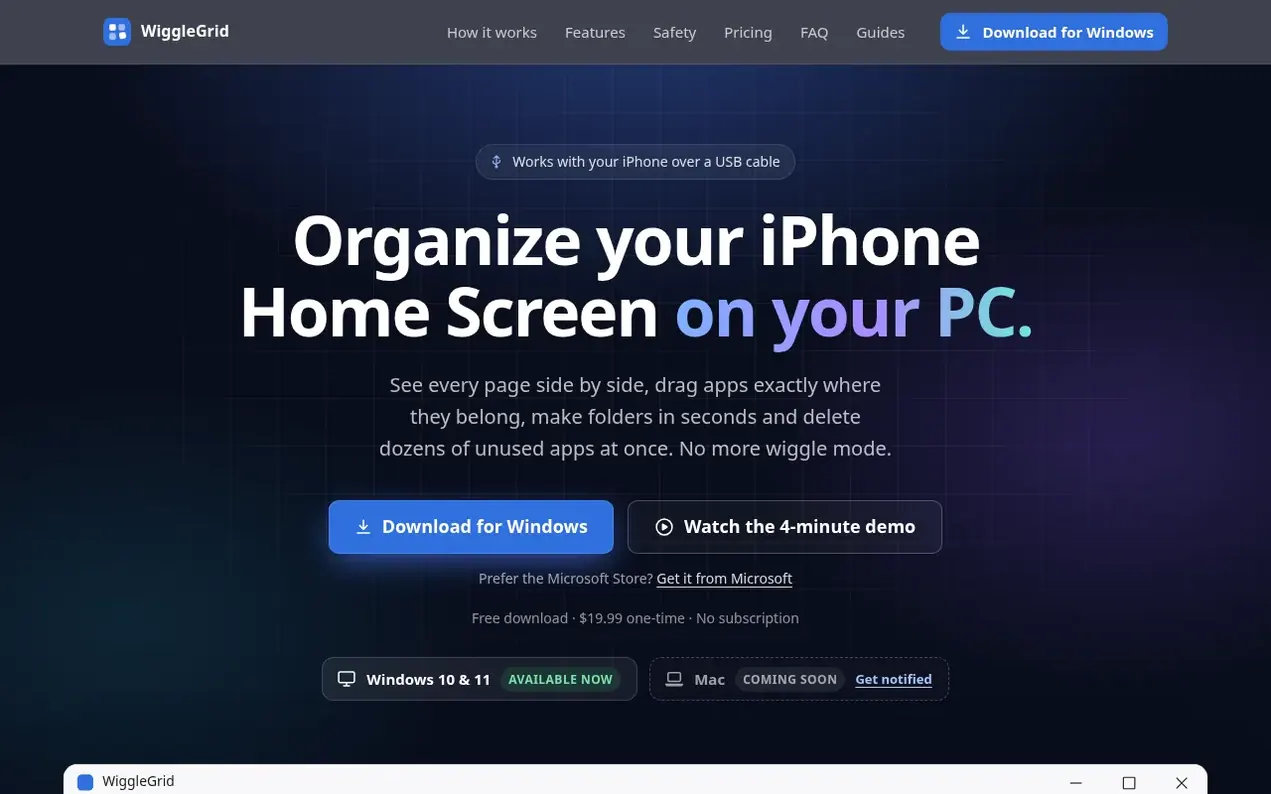
WiggleGrid is a Windows application that allows you to organize your iPhone home screen from your PC. Connect your iPhone via USB cable and see all your home screen pages side by side on your computer. Drag apps between pages, create folders, customize your dock, and delete multiple apps at once, all with a mouse instead of tapping on your phone. Every change is saved as a snapshot before being applied, and you can preview all changes before they touch your iPhone. The app verifies the result by reading your iPhone back after applying, and you can restore any previous snapshot with one click if you change your mind.
- iphone
- usb
- organizer
- home screen
- windows
- apps
Features worth knowing
- Drag apps between pages and folders
- Create and rename folders
- Customize and reorder dock
- Delete multiple apps at once
- Save automatic snapshots before changes
- Preview changes before applying
- Restore previous layouts with one click
- Search and find apps
Pricing
$19.99 one-time purchase. Free download and compatibility check. 14-day money-back guarantee.
Compare and explore
FAQ
- Will it work with my iPhone?
- Run the free compatibility check to find out. Applying changes is switched on for each iPhone model and iOS version once that combination has been tested. If yours hasn't been tested yet, you can still view your layout in read-only mode and ask to be notified when it's ready. You don't pay until your iPhone passes.
- What do I need to use WiggleGrid?
- You need a Windows 10 or 11 PC, your iPhone, and a USB cable. Windows also needs Apple's free Apple Devices app from the Microsoft Store so it can talk to your iPhone. The app guides you to it if it's missing. iTunes for Windows works too.
- Could it mess up my phone?
- No. Before every change the app saves a snapshot of your current layout on your PC. You preview every change before it's applied, and afterwards the app reads your iPhone back to make sure it matches. If you don't like the result, restore any snapshot in one click.
- What if I'm not happy with it?
- Email support@wigglegrid.com within 14 days of buying and you'll get a full refund with no questions asked.
- What can't it do yet?
- It can't yet make or edit folders inside the Dock, show or hide pages, or edit widgets. Widgets stay exactly where they are. A Mac version is coming soon.
Find WiggleGrid online
Leave a review for WiggleGrid
Nobody has reviewed WiggleGrid yet. Start things off.
A review is always free and can never be paid for. Go to the reviews and discussion
Reviews and chat · Product news · Send it on · Run this company? Claim it here · Report it
WiggleGrid has a free listing. The owner can unlock the full profile with a paid launch for $5:
- Founder story (locked)
- Milestones (locked)
- Demo video (locked)
- Dofollow website link (locked)
Alternatives to WiggleGrid
ChatExport
Export iPhone messages to PDF, TXT, HTML or CSV on Windows
Mobile utilities0 votes. Log in to add your vote for ChatExportPhoneScore
Verify used iPhones and MacBooks before buying
Mobile utilities0 votes. Log in to add your vote for PhoneScoreeSIMLLY
Global eSIM plans for instant connectivity in 160+ countries without expensive roaming
Mobile utilities0 votes. Log in to add your vote for eSIMLLYeSIMCard
Buy local, regional, and global eSIM plans for international travel with affordable pricing and reliable coverage
Mobile utilities0 votes. Log in to add your vote for eSIMCard