Minecraft Image Tools
Convert images into Minecraft art and builds in your browser
- Upvotes
- 0
- DR
- 0 no change since last check
- Followers
- 0
Minecraft Image Tools metrics
| Metric | Value |
|---|---|
| Domain Rating | 0 no change since last check |
| Trust Flow | 5 no change since last check |
| Citation Flow | 23 no change since last check |
| Referring domains | 6 no change since last check |
| External backlinks | 23 no change since last check |
Ahrefs Domain Rating scanned 25 Oct 2026, updated 25 Oct 2026. Main topic: Computers/Internet/Web Design and Development (5). Majestic scanned 25 Oct 2026, updated 25 Oct 2026. Link stats via Majestic. Trust Flow, Citation Flow and Topical Trust Flow are trademarks of Majestic-12 Ltd.
Minecraft Image Tools domain facts
| Domain age | 2 months |
|---|---|
| Registered | |
| Expires | |
| Registrar | Cloudflare, Inc. |
| DNSSEC | Not signed |
A free browser-based toolkit that turns images into Minecraft pixel art and block designs with preview, block counts, and downloadable references.
About Minecraft Image Tools
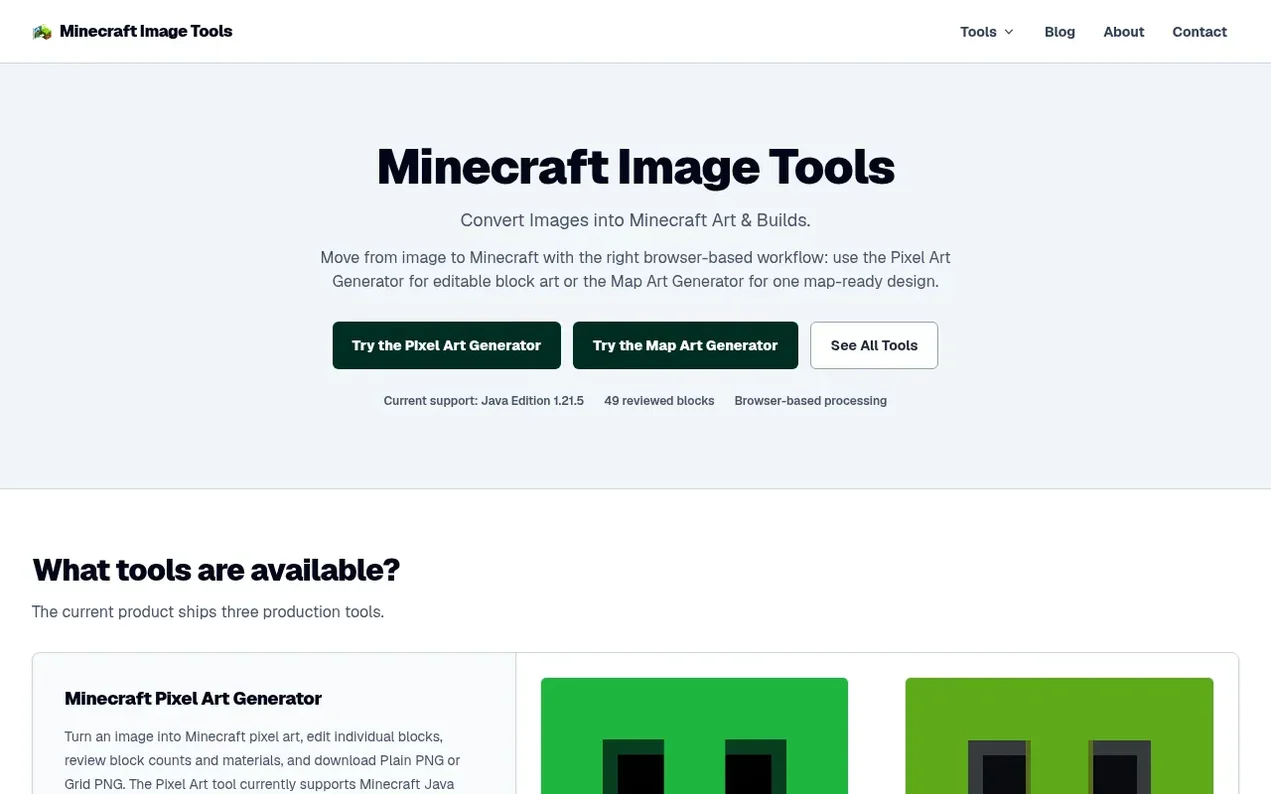
Minecraft Image Tools is a browser-based toolkit for converting images into Minecraft art and block designs. It processes images locally in your browser without uploading them to servers. The current product includes three tools: a Pixel Art Generator that maps images to 49 reviewed blocks, a Map Art Generator for 128×128 flat map designs, and a Canvas for manual pixel art creation. All three support Minecraft Java Edition 1.21.5. After conversion, users can preview results, edit individual blocks, review exact block and material counts, and download visual references as PNG files to guide construction. Source images are processed locally and not stored on servers.
- free tool
- browser-based
- pixel-art
- image conversion
- minecraft
- java-edition
- build planning
Features worth knowing
- Pixel Art Generator with image to block mapping
- 49 reviewed block palette supporting Concrete, Wool, and Terracotta
- Map Art Generator for 128×128 flat map designs
- Canvas editor for manual pixel art creation
- Editable block design with paint and erase tools
- Download visual references as Plain PNG or Grid PNG
- Support for PNG, JPEG, and WebP image formats
- Configurable width from 1 to 128 blocks
- Browser-local image processing with no server upload
Pricing
Pricing model: Free
Compare and explore
FAQ
- Are my images uploaded to a server?
- No. Images are processed locally in your browser and are not uploaded to Minecraft Image Tools servers.
- What width should I use?
- The default is 64 blocks, which is a practical starting point. The supported range is 1–128. A larger width can preserve more detail but increases dimensions and block count. Generate and review before deciding.
- Why does the generator use 49 block types?
- The palette is a deliberately reviewed set for Minecraft Java Edition 1.21.5, made from Concrete, Wool, and Terracotta. It provides a predictable, version-aware baseline for mapping and material planning.
- Can I edit the generated design?
- Yes. In the Canvas you can change individual blocks with paint and erase tools, pick blocks from the design, search available blocks, and use undo or redo functions.
- Does it support Minecraft Bedrock Edition?
- The supported production target is Minecraft Java Edition 1.21.5. Bedrock parity is not currently part of the supported production scope.
Leave a review for Minecraft Image Tools
Nobody has reviewed Minecraft Image Tools yet. Start things off.
A review is always free and can never be paid for. Go to the reviews and discussion
Reviews and chat · Product news · Send it on · Run this company? Claim it here · Report it
Minecraft Image Tools has a free listing. The owner can unlock the full profile with a paid launch for $5:
- Founder story (locked)
- Milestones (locked)
- Demo video (locked)
- Dofollow website link (locked)
Alternatives to Minecraft Image Tools
AutoSprite
AI sprite sheet generator that turns a single character image into game-ready spritesheets in seconds
Game dev tools0 votes. Log in to add your vote for AutoSpriteWhere Winds Meet Calculator
Professional DPS and build optimizer for Where Winds Meet
AutoChart.eu
Turn any song into a playable full-band chart for rhythm games
Game dev tools0 votes. Log in to add your vote for AutoChart.euEngineForge
AI platform for game development that works inside Unity and Godot
Game dev tools0 votes. Log in to add your vote for EngineForge