EXZA Remote
AI Computer Commander for ChatGPT and Claude
- Upvotes
- 0
- DR
- 2 no change since last check
- Followers
- 0
Connect ChatGPT and Claude to your Mac, Windows or Linux computer through the Model Context Protocol with secure pairing and owner-approved actions.
About EXZA Remote
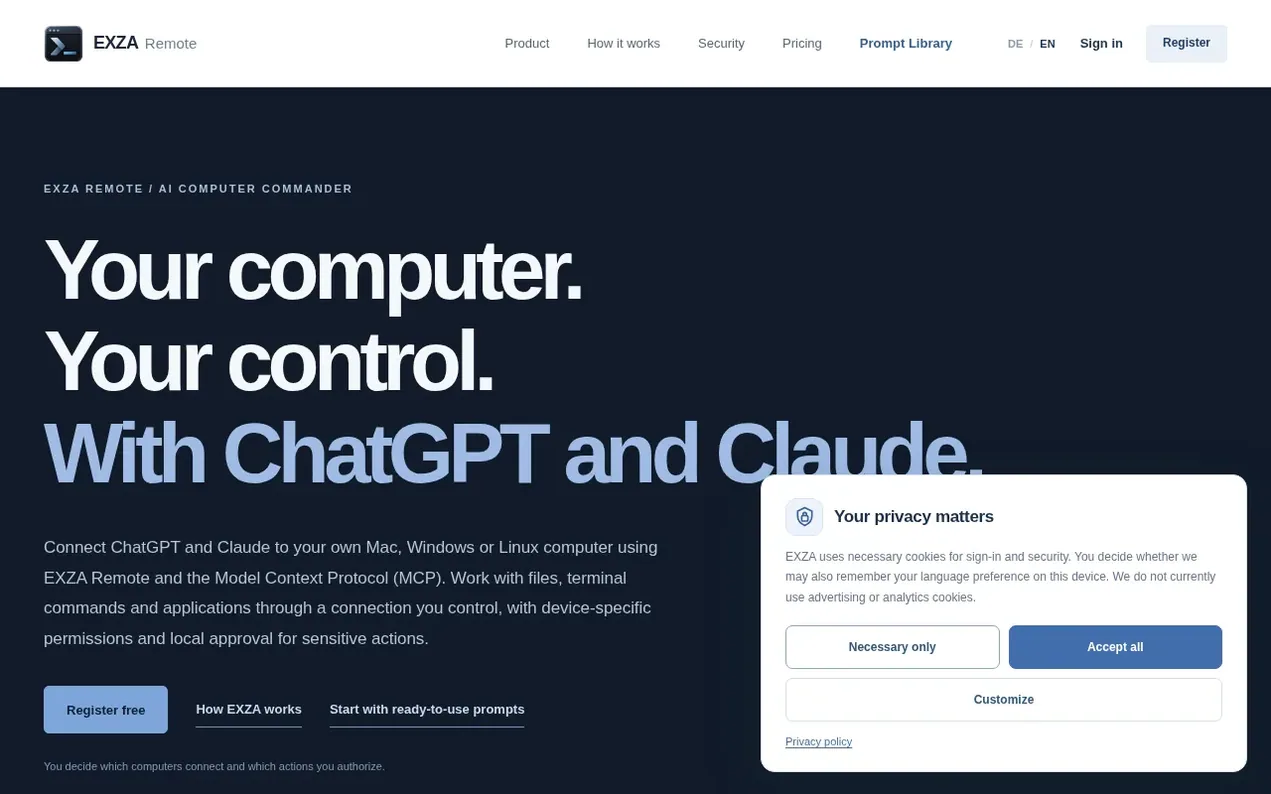
EXZA Remote connects ChatGPT and Claude to your own computer through the Model Context Protocol. The agent runs visibly in your terminal, allowing authorized AI assistants to request approved file, terminal and application actions. Device pairing, OAuth scopes and explicit on-computer approval protect sensitive operations. Your computer stays in your control, with no need to move applications to someone else's cloud. Each device can be managed and revoked separately, and the connection ends when you close the agent.
- ai
- terminal
- chatgpt
- automation
- mcp
- claude
Features worth knowing
- Connect ChatGPT and Claude through Model Context Protocol
- Manage files with AI assistants
- Run authorized terminal commands
- Device-specific access control
- Local approval for sensitive actions
- OAuth and secure pairing
- Support for macOS, Windows and Linux
- Launch and monitor applications
- Revokable device access
- Encrypted HTTPS connection
Pricing
Pricing model: Freemium
Free: 0 € per month with 10,000 successful tool calls each month. Premium: unlimited tool calls subject to fair-use rules, manage or cancel monthly through your account.
EXZA Remote metrics
| Metric | Value |
|---|---|
| Domain Rating | 2 no change since last check |
| Trust Flow | 0 no change since last check |
| Citation Flow | 0 no change since last check |
| Referring domains | 0 no change since last check |
| External backlinks | 0 no change since last check |
Ahrefs Domain Rating scanned 3 Nov 2026, updated 2 Nov 2026. Majestic scanned 2 Nov 2026, updated 2 Nov 2026. Link stats via Majestic. Trust Flow, Citation Flow and Topical Trust Flow are trademarks of Majestic-12 Ltd.
EXZA Remote domain facts
Reveal the domain facts
No RDAP data is published for .de, so this domain's registration details are not available here.
EXZA Remote launch results
| Measure | At launch, then latest |
|---|---|
| Domain Rating (Ahrefs) | 2 to 2 no change since launch 2 Nov 2026, then 3 Nov 2026 |
| Trust Flow (Majestic) | 0 first measured 2 Nov 2026 |
| Referring domains (Majestic) | 0 first measured 2 Nov 2026 |
Day 1 since launch. Next receipt: day 30, 2 Dec 2026. The figures report a change; they do not say what caused it, and many things can. No figure here is a guess.
Compare and explore
FAQ
- What is EXZA Remote?
- EXZA Remote connects your own computer to AI assistants using an agent that runs visibly in a terminal. Authorized users can request approved file, terminal and application actions from compatible AI assistants. Device pairing, OAuth scopes and explicit on-computer approval protect sensitive operations.
- How do I get started with EXZA Remote?
- Create an account with a strong password of at least 12 characters and verify your email with a six-digit code. After signing in, go to My Devices and copy the official installer command for your operating system, then run it in your terminal. Finally, connect AI assistants to your EXZA account and select your computer.
- Must my computer stay on to use EXZA Remote?
- Yes. The computer must remain powered on, connected to the internet and running the agent terminal. Closing the terminal, losing the connection or entering sleep mode makes remote commands unavailable.
- What are the system requirements?
- For macOS: use a compatible version of macOS, Node.js 22 or later and an internet connection. For Windows: Windows 10 or 11, Node.js 22+, Command Prompt and internet access. For Linux: a current Linux distribution with Node.js 22+, a shell and internet access.
- Can I revoke access to my computer?
- Yes. Access is device-specific and can be revoked in your account. You can revoke device pairing in the portal, and the connection ends when you close the agent terminal.
Leave a review for EXZA Remote
Nobody has reviewed EXZA Remote yet. Start things off.
A review is always free and can never be paid for. Go to the reviews and discussion
Reviews and chat · Product news · Send it on · Run this company? Claim it here · Report it
EXZA Remote has a free listing. The owner can unlock the full profile with a paid launch for $5:
- Founder story (locked)
- Milestones (locked)
- Demo video (locked)
- Dofollow website link (locked)
Alternatives to EXZA Remote
Mori
Desktop AI agent for macOS and Windows that performs tasks on your computer, creates files, and verifies results automatically with 363 native tools.
OpenLegion
AI teammates that do recurring business work with approvals, budgets, and receipts
Kairos
The transaction layer for AI agents
Stammer AI
White label AI agents for chat and voice that handle customer support, lead generation, and appointment scheduling