Brink Browser
iPad research browser for students and deep thinkers
Mobile apps
Download on the App Store (new browser tab)- Upvotes
- 0
- DR
- 0 no change since last check
- Followers
- 0
Brink Browser metrics
| Metric | Value |
|---|---|
| Domain Rating | 0 no change since last check |
| Trust Flow | 6 no change since last check |
| Citation Flow | 11 no change since last check |
| Referring domains | 2 no change since last check |
| External backlinks | 2 no change since last check |
Ahrefs Domain Rating scanned 25 Oct 2026, updated 25 Oct 2026. Main topic: Recreation (6). Majestic scanned 25 Oct 2026, updated 25 Oct 2026. Link stats via Majestic. Trust Flow, Citation Flow and Topical Trust Flow are trademarks of Majestic-12 Ltd.
Brink Browser domain facts
| Domain age | 4 months |
|---|---|
| Registered | |
| Expires | |
| Registrar | GoDaddy.com, LLC |
| DNSSEC | Not signed |
An iPad browser that combines web browsing with research tools including projects, folders, citations, PDFs, highlighting and focus features.
About Brink Browser
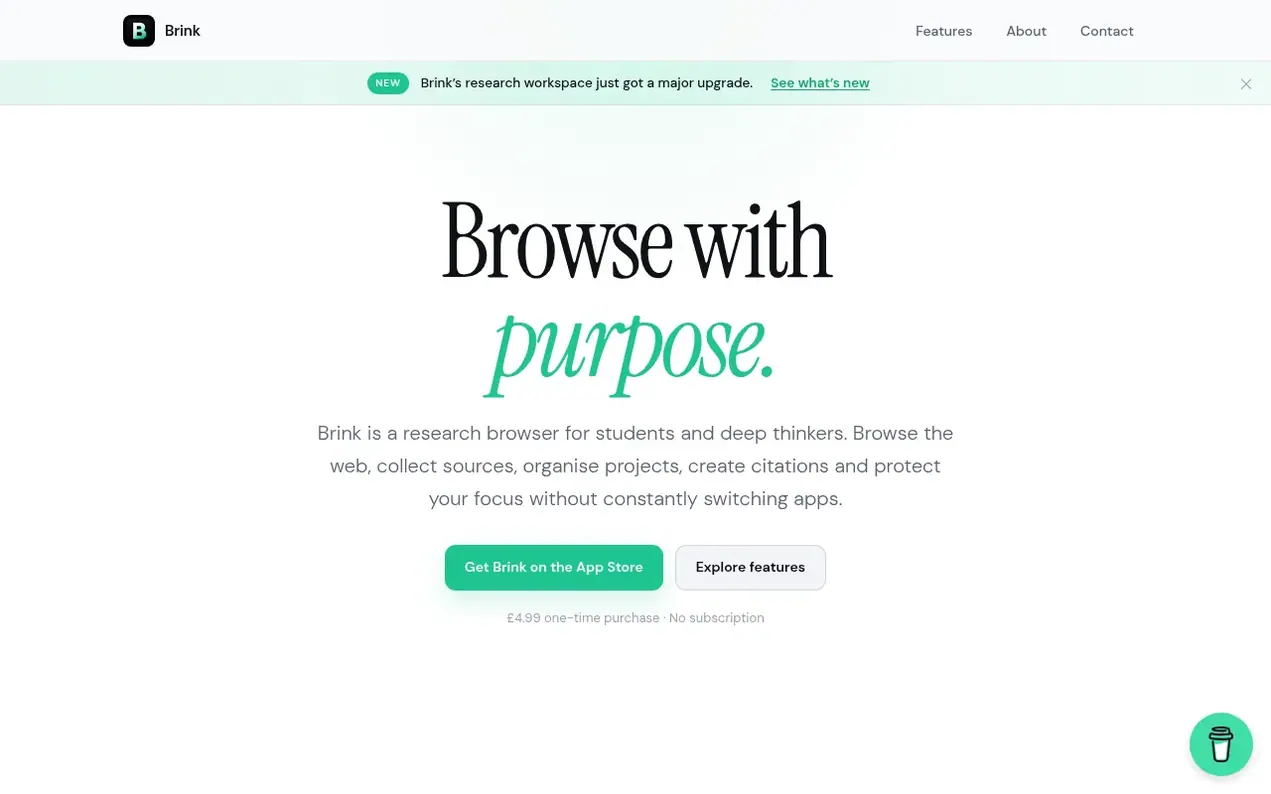
Brink is a research browser designed for iPad that brings together web browsing with research tools. It allows users to save websites, notes, images, PDFs and lecture recordings into separate research projects with their own folders. The browser can automatically pull source information and generate citations in Harvard, APA, MLA, IEEE or Chicago formats without leaving the app.
Brink includes Reader Mode for distraction-free reading with customizable text size and spacing, PDF viewing and editing capabilities, and a highlighting system to mark important passages. It features focus tools including Study Mode to block distracting websites and timed focus sessions to maintain concentration.
The app is independently developed and funded through a one-time purchase. User content including browsing history, search queries, projects and recordings remain on the device and are not collected by the browser.
- research
- citations
- ipad
- organization
- studying
- productivity
- focus
Features worth knowing
- Research Projects with separate workspaces for different assignments and topics
- Nested folders to organize research by subjects and chapters
- Save websites, notes, images, PDFs and lecture recordings together
- Harvard, APA, MLA, IEEE and Chicago citation styles with automatic source metadata
- PDF viewing and editing with form field support
- Timed focus sessions with customizable duration
- Built-in ad blocking without separate extensions
- Customizable workspace colors with light and dark themes
Pricing
Pricing model: Paid
£4.99 one-time purchase, no subscription
Compare and explore
FAQ
- What can I save in Brink?
- You can save websites, notes, images, PDFs and lecture recordings into your research projects. All saved material can be organized into project folders and kept together with your research.
- What citation styles does Brink support?
- Brink supports Harvard, APA, MLA, IEEE and Chicago citation styles. You can copy full references or in-text citations separately, and Brink can automatically retrieve source information like titles, authors, publications and dates where available.
- How does Study Mode work?
- Study Mode lets you block chosen distracting websites with PIN protection and combine it with timed focus sessions. During a focus session, the remaining time stays visible while you browse so you can stay focused on your work.
- Can I edit PDFs in Brink?
- Yes, you can open PDFs from the web or from your saved research, fill supported interactive form fields and work with checkboxes and radio buttons. Your edits are saved back with your research so the document is ready when you return.
- Is my research private in Brink?
- Yes, your browsing history, search queries, research projects, saved pages, notes and lecture recordings are not collected by Brink. Your content stays on your device, though limited analytics and diagnostics are used to help improve the app.
Find Brink Browser online
Leave a review for Brink Browser
Nobody has reviewed Brink Browser yet. Start things off.
A review is always free and can never be paid for. Go to the reviews and discussion
Reviews and chat · Product news · Send it on · Run this company? Claim it here · Report it
Brink Browser has a free listing. The owner can unlock the full profile with a paid launch for $5:
- Founder story (locked)
- Milestones (locked)
- Demo video (locked)
- Dofollow website link (locked)
Alternatives to Brink Browser
addcarwidgets
Free CarPlay widgets app with 124 presets, custom startup sounds, synced lyrics, and Mount Mode for cars without CarPlay
Dreamlock
A private, Face-ID-locked dream journal that listens to your voice and paints your dreams
Everappz
iOS and Mac apps for audio playback, video playback, and music metadata management
Referat
Private meeting notes and transcription for iPhone with no account or subscription required