
SplitImage.io
Free online image splitter for creating clean grids locally in your browser
- Upvotes
- 0
- DR
- 27 no change since last check
- Followers
- 0
SplitImage.io metrics
| Metric | Value |
|---|---|
| Domain Rating | 27 no change since last check |
| Trust Flow | 13 no change since last check |
| Citation Flow | 23 no change since last check |
| Referring domains | 10 no change since last check |
| External backlinks | 68 no change since last check |
Ahrefs Domain Rating scanned 25 Oct 2026, updated 25 Oct 2026. Main topic: Games/Video Games/Roleplaying (13). Majestic scanned 25 Oct 2026, updated 25 Oct 2026. Link stats via Majestic. Trust Flow, Citation Flow and Topical Trust Flow are trademarks of Majestic-12 Ltd.
SplitImage.io domain facts
| Domain age | 1 month |
|---|---|
| Registered | |
| Expires | |
| Registrar | Spaceship, Inc. |
| DNSSEC | Not signed |
Split images into clean, evenly sized pieces for printing, collages, and crafts without uploading to servers.
About SplitImage.io
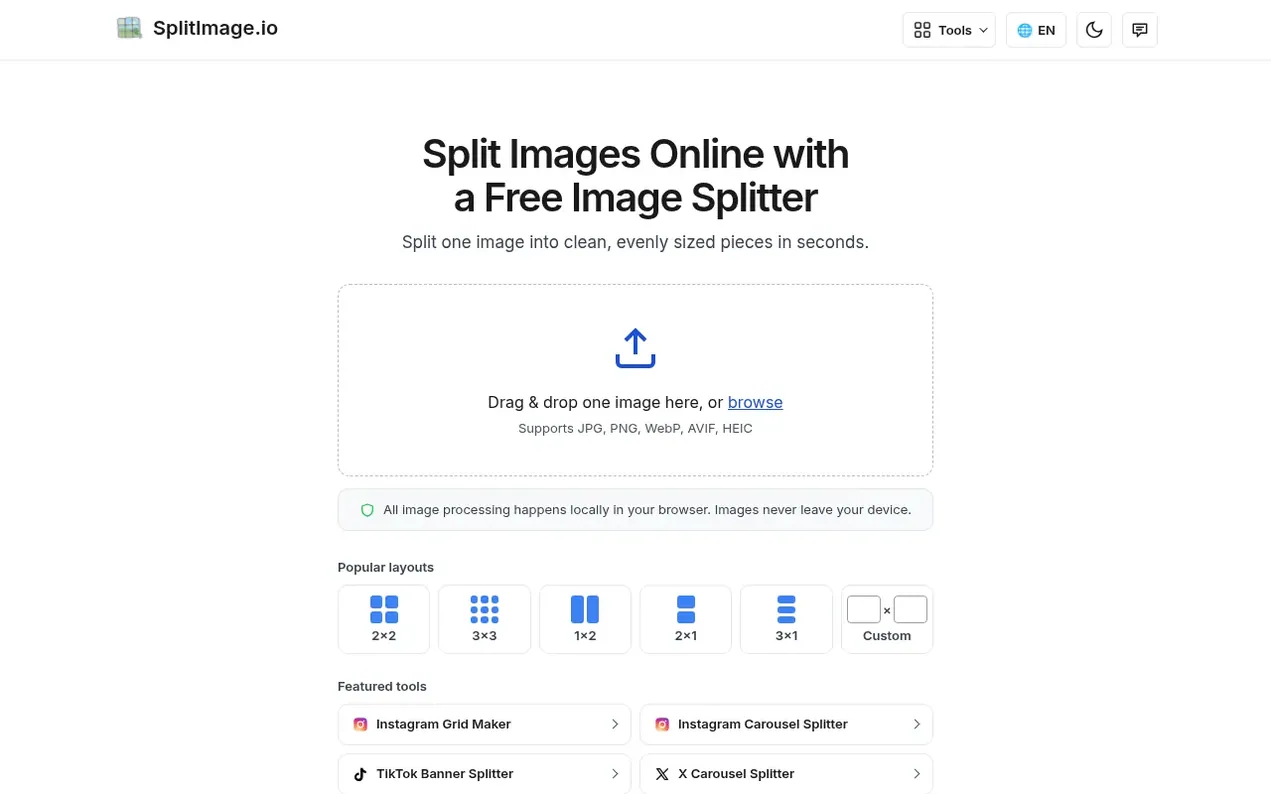
SplitImage.io is a free, browser-based tool for splitting images into evenly sized grid tiles. Users upload an image, choose a layout like 2×2, 3×3, 4×4, or custom rows and columns, preview the cuts, and download individual pieces or a ZIP file. The tool supports JPG, PNG, WebP, AVIF, HEIC, and HEIF formats. All processing happens locally in the browser with no server upload, keeping images private. It's designed for creating social media grids, print-ready panels, collages, craft patterns, and separating asset sheets into individual files. No account or watermark is required.
- image splitter
- grid maker
- browser-based
- no account required
- print ready
- collage maker
- privacy-focused
Features worth knowing
- Preview tiles before downloading
- Local browser processing with no server upload
- Multiple output formats
- Print-ready PDF output
Pricing
Pricing model: Free
Compare and explore
FAQ
- Does this image splitter upload my images to a server?
- No. The image splitter processes files locally in your browser. Your original image is not sent to the server, so you can split private photos and artwork with confidence.
- What image formats are supported?
- You can work with JPG, PNG, WebP, AVIF, and supported HEIC or HEIF files. Export behavior depends on the selected output format and your browser's capabilities.
- Can I preview the tiles before downloading?
- Yes. The workspace shows the split result before export, so you can check the grid and adjust the crop before downloading the final image pieces.
- Is this image splitter free to use?
- Yes. You can split images online without creating an account or adding a watermark. Processing happens directly in your browser.
- What's the maximum image size I can split?
- There is no fixed upload quota. The practical limit depends on your browser, device memory, and the source image dimensions.
Leave a review for SplitImage.io
Nobody has reviewed SplitImage.io yet. Start things off.
A review is always free and can never be paid for. Go to the reviews and discussion
Reviews and chat · Product news · Send it on · Run this company? Claim it here · Report it
SplitImage.io has a free listing. The owner can unlock the full profile with a paid launch for $5:
- Founder story (locked)
- Milestones (locked)
- Demo video (locked)
- Dofollow website link (locked)
Alternatives to SplitImage.io
VectoSolve
AI-powered PNG to SVG converter that transforms raster images into clean, scalable vectors in seconds
Image generation0 votes. Log in to add your vote for VectoSolveGrayscale Image
Free online converter to turn photos to grayscale with multiple methods, brightness and contrast controls, and browser-based processing
Image generation0 votes. Log in to add your vote for Grayscale ImageArtifox
AI image creation for avatars, portraits and memes
Image generation0 votes. Log in to add your vote for ArtifoxCutout Free
Remove backgrounds from images and download transparent PNGs for free online
Image generation0 votes. Log in to add your vote for Cutout Free