
KlipKap Pro
Screen recording that edits itself
- Upvotes
- 0
- DR
- 18 −1 (down) since last check
- Followers
- 0
- Since
- 2026
KlipKap Pro metrics
| Metric | Value |
|---|---|
| Domain Rating | 18 −1 (down) since last check |
| Trust Flow | 21 no change since last check |
| Citation Flow | 21 no change since last check |
| Referring domains | 76 no change since last check |
| External backlinks | 160 no change since last check |
Ahrefs Domain Rating scanned 16 Oct 2026, updated 13 Oct 2026. Main topic: Arts/Performing Arts (21). Majestic scanned 6 Oct 2026, updated 6 Oct 2026. Link stats via Majestic. Trust Flow, Citation Flow and Topical Trust Flow are trademarks of Majestic-12 Ltd.
KlipKap Pro domain facts
| Domain age | 6 months |
|---|---|
| Registered | |
| Expires | |
| Registrar | HOSTINGER operations, UAB |
| DNSSEC | Not signed |
A screen recorder for Windows and Mac with automatic zoom animations, smooth cursor movement, AI subtitles, and noise removal. One-time purchase with all editing, recording, and transcription running locally on your device.
About KlipKap Pro
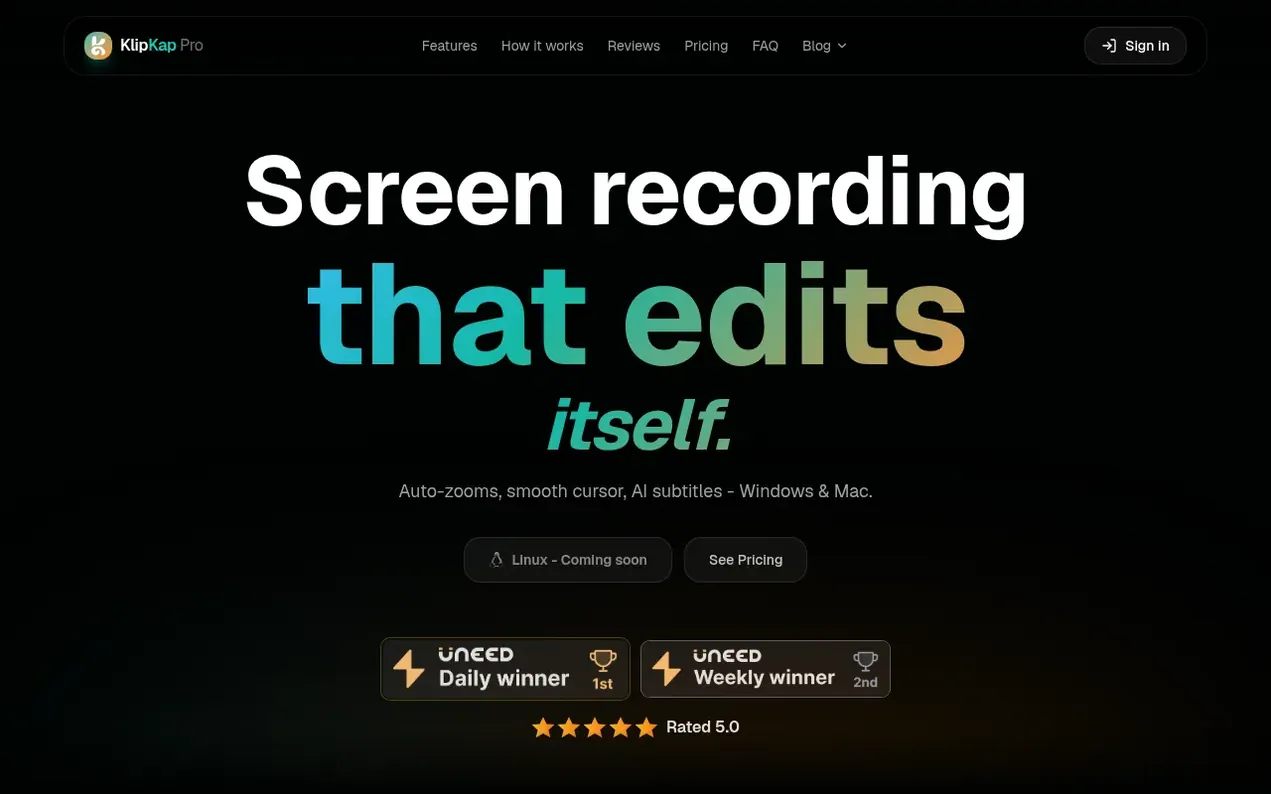
KlipKap Pro is a screen recorder and video editor designed for Windows and Mac. It automatically smooths cursor movement into a cinematic glide, adds zoom animations on clicks, and generates AI subtitles in over 50 languages without requiring an API key or internet connection.
The software includes AI-powered audio denoising, webcam overlay capabilities, and one-click export for multiple platforms including YouTube, TikTok, and LinkedIn. All recording, editing, transcription, and export functions execute locally on your device—your footage never leaves your computer.
Unlike cloud-based subscription alternatives, KlipKap Pro is sold as a one-time purchase with no recurring fees. The Pro license covers all future updates. A free tier is available with 720p export and a watermark, with no time limit or account required.
- screen recording
- video editing
- cursor smoothing
- auto-zoom
- ai subtitles
- one-time purchase
Features worth knowing
- Smooth cursor movement converting shaky paths into cinematic glide
- Automatic zoom animations on every click
- AI subtitles in 50+ languages with local transcription
- AI audio denoiser for background noise removal
- System audio capture without virtual audio cable
- Webcam overlay with configurable positions
- Export in 1080p, 2K, 4K at 60fps and 120fps
- Six social aspect ratios for YouTube, TikTok, LinkedIn
- All processing runs locally without uploading footage
Pricing
Free tier: $0 (720p export with watermark, no time limit, no account required). Pro license: $25.49 one-time payment.
Compare and explore
FAQ
- Is this really a one-time payment?
- Yes. KlipKap Pro is a one-time purchase with no subscription, monthly fee, or renewal. You pay once and own the software forever, including all future updates for your licensed version.
- How many computers can I use one license on?
- As many as you like. The license lives on your account rather than on a machine, and the same account signs in on both Windows and macOS, so a desktop, laptop, and spare are all covered by one purchase with no device count to manage.
- Does it work without an internet connection?
- Yes, for everything that touches your footage. Recording, editing, AI subtitles, and AI audio cleanup all execute on your own machine with video and audio never uploaded. Only downloading the app, activating your license, and exporting with a Pro account require a connection.
- Is KlipKap a Screen Studio alternative?
- Yes. Screen Studio is Mac-only with an annual subscription. KlipKap Pro offers the same smooth mouse movement, automatic zoom animations, and cursor effects but runs on both Windows and Mac with a one-time purchase.
- How many computers can I use one licence on?
- As many as you like. The licence lives on your account rather than on a machine, and the same account signs in on Windows and macOS, so a desktop, a laptop and a spare are all covered by one purchase. There is no device count to manage and no deactivation step when you change machine.
Leave a review for KlipKap Pro
Nobody has reviewed KlipKap Pro yet. Start things off.
A review is always free and can never be paid for. Go to the reviews and discussion
Reviews and chat · Product news · Send it on · Run this company? Claim it here · Report it
KlipKap Pro has a free listing. The owner can unlock the full profile with a paid launch for $5:
- Founder story (locked)
- Milestones (locked)
- Demo video (locked)
- Dofollow website link (locked)
Alternatives to KlipKap Pro
RemoveWatermark
Professional watermark removal for AI-generated videos with free tier and affordable Pro plans
Video generation1 votes. Log in to add your vote for RemoveWatermarkWhat the GIF
Frame-perfect video to GIF converter that runs entirely in your browser with zero uploads
Video generation0 votes. Log in to add your vote for What the GIFSeeVideo
AI video generator for text-to-video, image-to-video, and video editing with character consistency
Video generation0 votes. Log in to add your vote for SeeVideoPoko Motion
AI video generator that turns repos, websites, documents, slides, and recordings into polished motion videos
Video generation0 votes. Log in to add your vote for Poko Motion