
Kai
AI executive assistant that proactively manages your calendar, email, and tasks
- Upvotes
- 0
- DR
- 49 no change since last check
- Followers
- 0
Kai metrics
| Metric | Value |
|---|---|
| Domain Rating | 49 no change since last check |
| Trust Flow | 11 no change since last check |
| Citation Flow | 34 no change since last check |
| Referring domains | 173 no change since last check |
| External backlinks | 8,605 no change since last check |
Ahrefs Domain Rating scanned 25 Oct 2026, updated 25 Oct 2026. Main topic: Computers/Internet/Web Design and Development (11). Majestic scanned 25 Oct 2026, updated 25 Oct 2026. Link stats via Majestic. Trust Flow, Citation Flow and Topical Trust Flow are trademarks of Majestic-12 Ltd.
Kai domain facts
| Domain age | 6 months |
|---|---|
| Registered | |
| Expires | |
| Registrar | NameCheap, Inc. |
| DNSSEC | Signed |
Kai is an AI assistant that handles calendar management, email triage, meeting notes, and task tracking, so you can focus on what matters.
About Kai
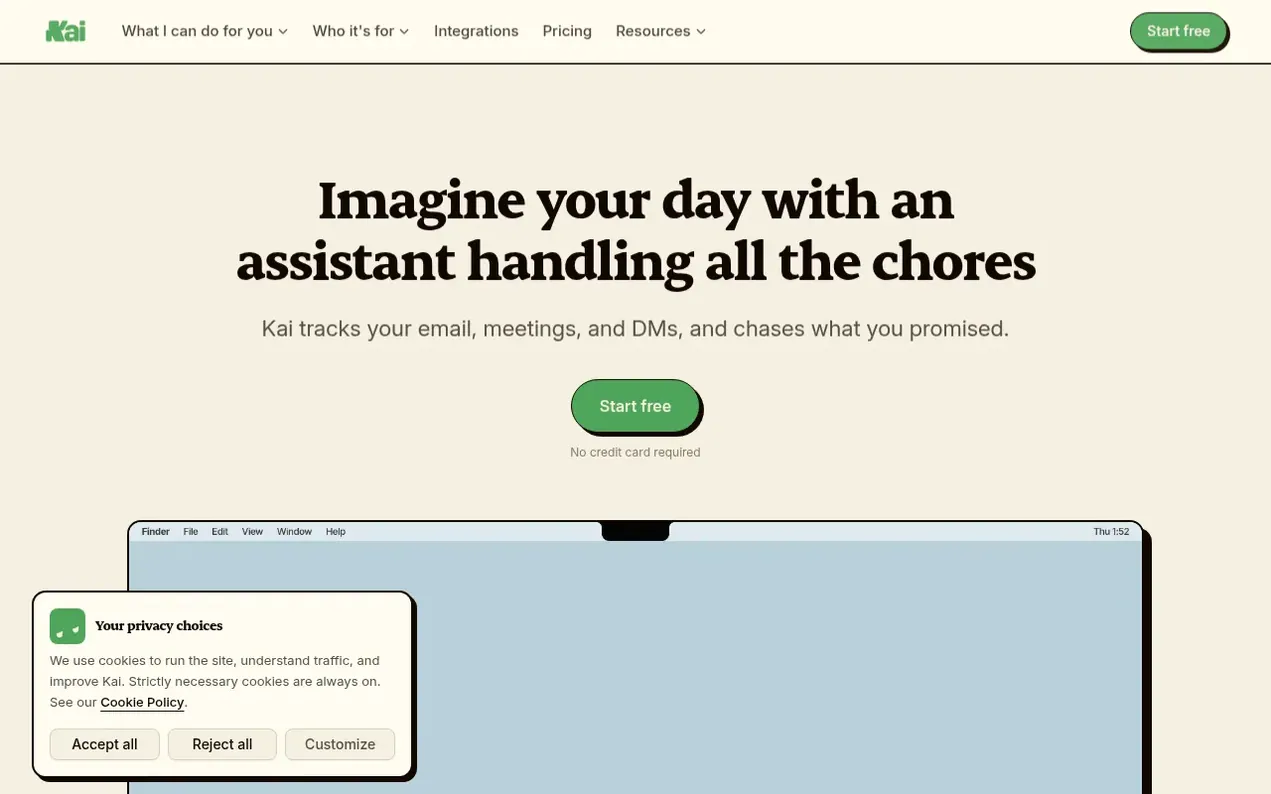
Kai is an AI executive assistant built by Morgen that manages your digital work across meetings, email, tasks, and calendar. It proactively sorts your inbox by what needs action, captures action items from meetings with live transcripts, drafts email replies in your voice, and helps plan your day. Kai works with your existing Google and Microsoft accounts, Zoom, Google Meet, and Teams, with no bot joining your calls. Nothing sends or gets added to your task list without your approval. The product includes features like workflow automation, meeting briefings, task ranking, and calendar management across multiple accounts. Kai also integrates with Claude and ChatGPT via MCP so your existing AI assistants can access your live work.
- ai-assistant
- task management
- workflow automation
- productivity
- email triage
- meeting intelligence
- calendar-management
Features worth knowing
- Task capture from calls and emails
- Meeting briefings and prep materials
- Mobile app for iPhone and Android
- Booking pages with free/busy information
Pricing
Pricing model: Freemium
Free trial with no credit card required. Base plan $20/month per user. Pro plan $50/month per user with 5x the usage of Base. Ultra plan $100/month per user with 10x the usage of Base. All plans include every feature.
Compare and explore
FAQ
- What does Kai actually do every day?
- Kai reads your email, listens to your meetings, and watches your calendar in the background. It sorts your inbox by what each thread needs (Needs Reply, FYI, Waiting Reply, Done), captures action items from meetings, drafts email replies in your voice, and can block focus time on your calendar. Drafts wait in Email and action items wait on each meeting, so nothing is sent or added to your list until you say so.
- Is Kai another AI chatbot I need to prompt?
- No. Kai is an embedded assistant, not a chatbot. It connects directly to your email, calendar, and meeting tools and works proactively, surfacing what needs attention without waiting for you to ask. Its suggestions wait where they belong, under each email and on each meeting, for you to accept, edit, or reject.
- Can Kai schedule a meeting with someone outside my company?
- Kai gives you a booking page that reads free/busy from every calendar you've marked as busy in Kai, across your Google and Outlook accounts, so you share one link and people pick a time that actually works. Prefer email? Ask Kai and it drafts the reply suggesting times, in your voice. You stay the sender: nothing gets sent unless you say so.
- Do I need a credit card to start?
- No. The free trial doesn't ask for a card, so no card is on file until you add one when you pick a plan. There's no waitlist, no queue, and no invite to request. Create your account, connect your calendar and email, and Kai gets to work.
- What happens when Kai gets something wrong?
- What Kai suggests waits for your review first. Nothing gets sent unless you say so, and Kai doesn't create a task or block calendar time without your approval. If it miscategorizes an email or suggests the wrong action item, you edit or reject it. Kai learns from your corrections over time.
Find Kai online
Leave a review for Kai
Nobody has reviewed Kai yet. Start things off.
A review is always free and can never be paid for. Go to the reviews and discussion
Reviews and chat · Product news · Send it on · Run this company? Claim it here · Report it
Kai has a free listing. The owner can unlock the full profile with a paid launch for $5:
- Founder story (locked)
- Milestones (locked)
- Demo video (locked)
- Dofollow website link (locked)
Makers
- DavidFounder
Alternatives to Kai
MultitaskAI
Custom chat interface for comparing and using multiple AI models simultaneously with split-screen multitasking
AI Chatbots & Assistants1 votes. Log in to add your vote for MultitaskAISetSmart
AI appointment setter for Instagram, WhatsApp and Messenger that qualifies leads and books sales calls 24/7
AI Chatbots & Assistants0 votes. Log in to add your vote for SetSmartSimple Chat
AI chatbot for your website, live in 5 minutes, no code required
AI Chatbots & Assistants0 votes. Log in to add your vote for Simple ChatAgentkit
Build custom AI agents trained on your website, docs, and FAQs, then embed them anywhere with one script tag
AI Chatbots & Assistants0 votes. Log in to add your vote for Agentkit