
Gamelabs Studio
Generate transparent, engine-ready sprite sheets from AI animations
- Upvotes
- 0
- DR
- 32 no change since last check
- Followers
- 0
AI-powered platform that turns text prompts and reference images into transparent, game-engine-ready sprite sheets with customizable animation frames, FPS, and
About Gamelabs Studio
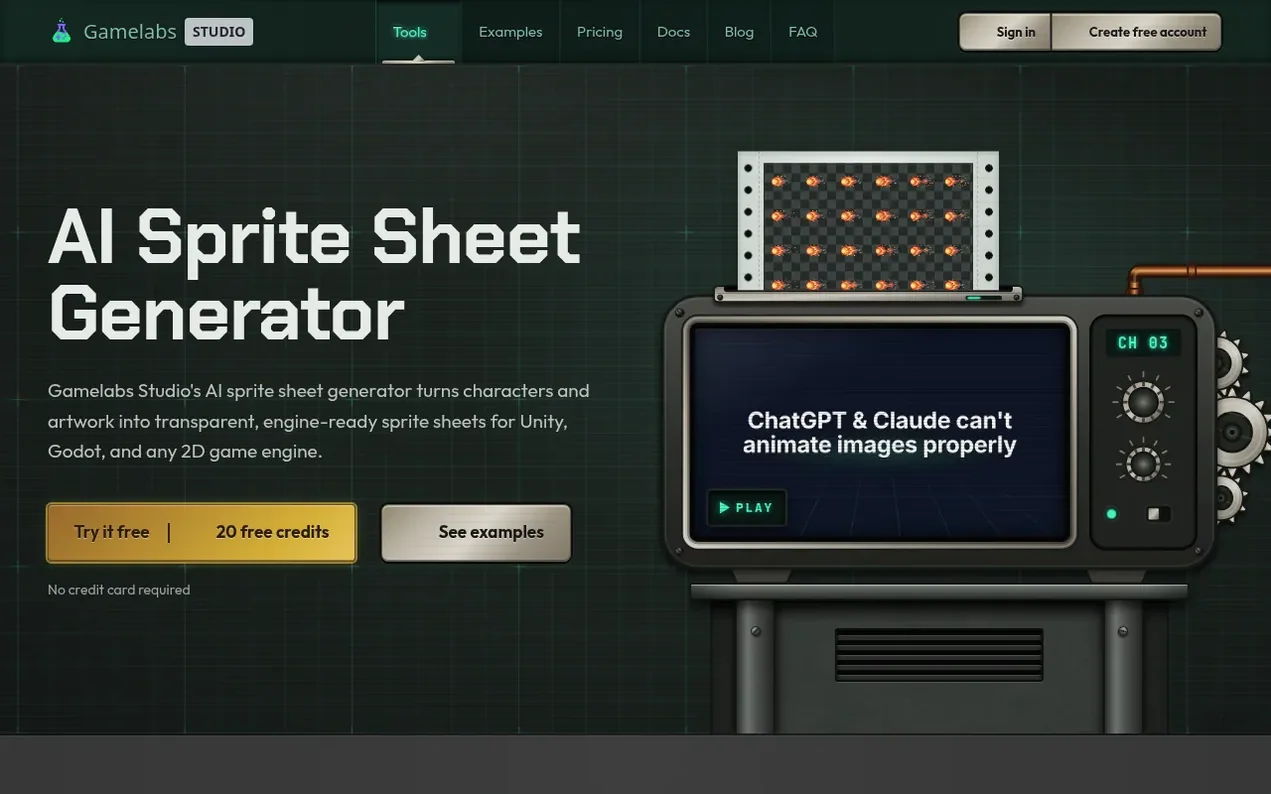
Gamelabs Studio is an AI-powered platform for generating game assets including artwork, animations, and sprite sheets. Users start with a text prompt or reference image to create base artwork with transparent backgrounds, then animate it with AI-described actions, and finally export the frames as a transparent PNG sprite sheet with configurable rows, columns, FPS (8, 12, 24, or 60), and padding for use in game engines like Unity, Godot, GameMaker, and Phaser.
The platform uses advanced algorithms to preserve semi-transparent pixels and realistic effects throughout the animation and export process, avoiding hard-edged cutouts. It offers pixel-perfect output with flexible grid layouts and provides a built-in image editor for refinement. Gamelabs Studio also includes REST API and MCP (Model Context Protocol) integration for programmatic asset generation and AI coding assistant integration.
- sprite sheet generator
- pixel-art
- game development
- ai animation
- game asset creation
- 2d art generator
- character animation
Features worth knowing
- Generate artwork from text prompts and reference images
- Animate static images with AI-described actions
- Flexible grid layout with custom rows, columns, and padding
- Built-in image editor with layers and generative fill
- REST API for batch workflows and programmatic asset generation
- MCP integration with AI coding assistants like Cursor and Claude
- Multi-angle coherent character views
Pricing
Pricing model: Freemium
Free: 20 credits with no credit card required. Indie: $10/month for 120 credits. Pro: $20/month for 250 credits. Studio: $50/month for 650 credits. Credits never expire. Artwork costs 0.5 credit, spritesheet costs 1 credit, low-quality animation costs 1 credit. Higher quality animations and longer c
Follow Gamelabs Studio and hear about their milestones, new launches and demo videos by email. Stop any time.
Gamelabs Studio metrics
| Metric | Value |
|---|---|
| Domain Rating | 32 no change since last check |
| Trust Flow | 5 no change since last check |
| Citation Flow | 29 no change since last check |
| Referring domains | 83 no change since last check |
| External backlinks | 3,926 no change since last check |
Ahrefs Domain Rating scanned 13 Nov 2026, updated 13 Nov 2026. Main topic: Games/Video Games/Strategy (5). Majestic scanned 13 Nov 2026, updated 13 Nov 2026. Link stats via Majestic. Trust Flow, Citation Flow and Topical Trust Flow are trademarks of Majestic-12 Ltd.
Gamelabs Studio domain facts
Reveal the domain facts
No RDAP data is published for .co, so this domain's registration details are not available here.
Launching something soon?
Free tips from Best Digital Launch for getting ready, launch day, the week after and what to do next.
- Set up
- On launch day
- The days after
- Beyond launch
Compare and explore
FAQ
- What is an AI spritesheet generator?
- An AI spritesheet generator uses AI to create or animate game assets and arrange the resulting animation frames into a sprite sheet. Gamelabs Studio generates the artwork, creates the animation, removes the background, and exports the frames as a transparent PNG sprite sheet.
- Can I create sprite sheets from an existing image?
- Yes, you can upload an existing character or game asset as a reference, animate it using AI, and export the animation as a sprite sheet.
- How much does a sprite sheet cost?
- Each sprite sheet export costs 1 credit, regardless of the number of frames. You can create your first AI sprite sheets without a credit card with the free tier of 20 credits.
- Can I use the generated sprite sheets commercially?
- Yes, you can use sprite sheets generated with Gamelabs Studio in commercial games, apps, and other projects without attribution. You own the assets you generate and have full commercial rights.
- What game engines are supported?
- The generator exports standard PNG sprite sheets that work with Unity, Godot, Unreal Engine, GameMaker, Phaser, and other engines that support sprite atlases.
Leave a review for Gamelabs Studio
Nobody has reviewed Gamelabs Studio yet. Start things off.
A review is always free and can never be paid for. Go to the reviews and discussion
Reviews and chat · Product news · Send it on · Run this company? Claim it here · Report it
Gamelabs Studio has a free listing. The owner can unlock the full profile with a paid launch for $5:
- Founder story (locked)
- Milestones (locked)
- Demo video (locked)
- Dofollow website link (locked)
Alternatives to Gamelabs Studio
Lore Armory
Fact-checked game wiki with stats, calculators and tools
Game dev tools0 votes. Log in to add your vote for Lore ArmoryPixelwright
A complete pixel-art studio for game art with optional AI drawing assistance
Game dev tools0 votes. Log in to add your vote for PixelwrightClunkyard
Clunkyard provides a Git-based SDK for developing and managing private bots with local and remote editing capabilities.
Game dev tools0 votes. Log in to add your vote for ClunkyardS2Arm
Native ARM64 game porting for Mac and iPhone
Game dev tools0 votes. Log in to add your vote for S2Arm