
AiLinkAny
Remote MCP platform that lets AI connect to your authorized Windows computers
- Upvotes
- 0
- DR
- 0 no change since last check
- Followers
- 0
AiLinkAny connects AI assistants like ChatGPT and Claude to your Windows PC through Remote MCP, enabling them to execute tasks with files and commands on
About AiLinkAny
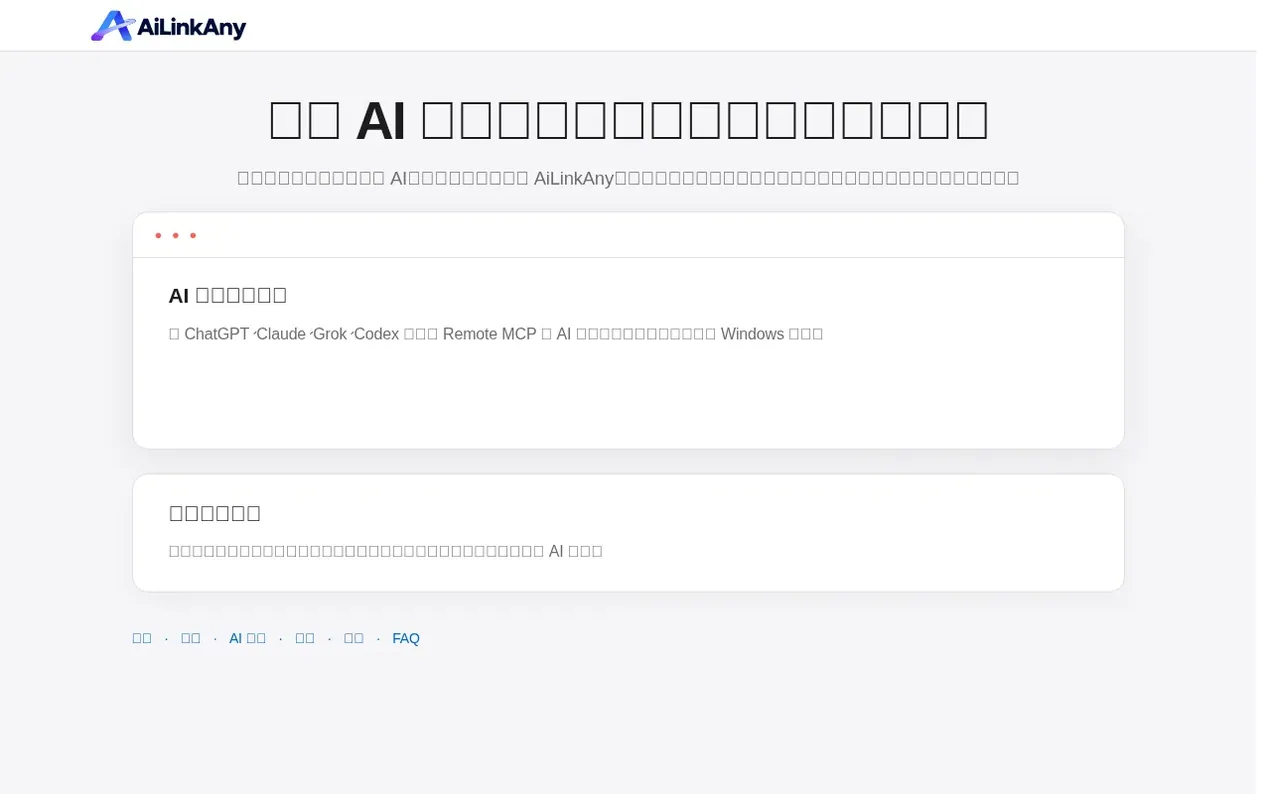
AiLinkAny is a Remote MCP remote computer execution platform that bridges AI assistants and Windows computers you authorize. After explicit authorization, AI tools like ChatGPT, Claude, Grok and Codex can connect through a unified account and use your own Windows computers to complete tasks involving files, commands, development environments and local resources.
The platform is not a remote desktop that streams your screen. Instead, it sends the AI's specific tool calls to an authorized computer for execution and returns only the necessary results to the original AI conversation. It supports multiple Windows computers bound to the same account, with targets chosen by device names you set.
AiLinkAny keeps complete local files on your computer by default. Content is transmitted only when you explicitly request to read, write, search or run something, and only what that task requires. The platform uses independent Device Tokens for computers, keeping AI OAuth credentials completely separate from device credentials.
- ai integration
- windows automation
- task execution
- remote mcp
- multi-device management
- file and command handling
- secure authorization
Features worth knowing
- Remote MCP endpoint for AI assistants
- Shell command execution on authorized Windows PCs
- File read/write and directory management
- Multi-device unified management
- AI session handoff for long agentic workflows
- SSH, Telnet and serial port connections
- OAuth-isolated AI sessions with Device Token separation
- Command idempotency with command_id
Pricing
Pricing model: Freemium
Free tier with usage quota; paid plans available at https://ailinkany.com/pricing. Registration, AI connection, and computer binding are free; pricing is checked only when executing computer tasks.
Follow AiLinkAny and hear about their milestones, new launches and demo videos by email. Stop any time.
AiLinkAny metrics
| Metric | Value |
|---|---|
| Domain Rating | 0 no change since last check |
| Trust Flow | 0 no change since last check |
| Citation Flow | 0 no change since last check |
| Referring domains | 0 no change since last check |
| External backlinks | 0 no change since last check |
Ahrefs Domain Rating scanned 6 Nov 2026, updated 3 Nov 2026. Majestic scanned 3 Nov 2026, updated 3 Nov 2026. Link stats via Majestic. Trust Flow, Citation Flow and Topical Trust Flow are trademarks of Majestic-12 Ltd.
AiLinkAny domain facts
Reveal the domain facts
| Domain age | 15 days |
|---|---|
| Registered | |
| Expires | |
| Registrar | Spaceship, Inc. |
| DNSSEC | Not signed |
AiLinkAny launch results
| Measure | At launch, then latest |
|---|---|
| Domain Rating (Ahrefs) | 0 to 0 no change since launch 3 Nov 2026, then 5 Nov 2026 |
| Trust Flow (Majestic) | 0 first measured 3 Nov 2026 |
| Referring domains (Majestic) | 0 first measured 3 Nov 2026 |
Day 3 since launch. Next receipt: day 30, 3 Dec 2026. The figures report a change; they do not say what caused it, and many things can. No figure here is a guess.
Launching something soon?
Free tips from Best Digital Launch for getting ready, launch day, the week after and what to do next.
- Set up
- On launch day
- The days after
- Beyond launch
Compare and explore
FAQ
- Is AiLinkAny a remote desktop?
- No. A remote desktop streams the screen for human operation, while AiLinkAny sends AI tool calls to an authorized computer for execution and returns only the necessary results to the original AI conversation.
- Will the AI get my device password or credentials?
- No. The AI's OAuth account identity is separate from the computer's Device Token. The AI receives authorization for the AiLinkAny account, and device credentials are stored on the client side.
- Can I use AiLinkAny without a paid plan?
- Yes. Registration, AI connection, and computer binding are free. A paid plan is only checked when the AI actually executes a computer task.
- Which AI platforms are supported?
- AiLinkAny supports all AI platforms that support Remote MCP, including ChatGPT, Claude, Grok, Codex, Cursor, Gemini CLI and VS Code / Copilot.
- Can I bind multiple computers to one account?
- Yes. Multiple Windows computers can be bound to the same AiLinkAny account and distinguished by device names you set.
Leave a review for AiLinkAny
Nobody has reviewed AiLinkAny yet. Start things off.
A review is always free and can never be paid for. Go to the reviews and discussion
Reviews and chat · Product news · Send it on · Run this company? Claim it here · Report it
AiLinkAny has a free listing. The owner can unlock the full profile with a paid launch for $5:
- Founder story (locked)
- Milestones (locked)
- Demo video (locked)
- Dofollow website link (locked)
Alternatives to AiLinkAny
alalanet
Check before you pay: live status of x402 and MCP services for AI agents
AI Agents & Infrastructure0 votes. Log in to add your vote for alalanetInsight
Decision-input integrity for AI agents and oracle risk intelligence
AI Agents & Infrastructure0 votes. Log in to add your vote for InsightLevain Labs
The AI backend that gets better with every run
AI Agents & Infrastructure0 votes. Log in to add your vote for Levain LabsGitHits
Infrastructure layer connecting agents to the open-source ecosystem
AI Agents & Infrastructure0 votes. Log in to add your vote for GitHits